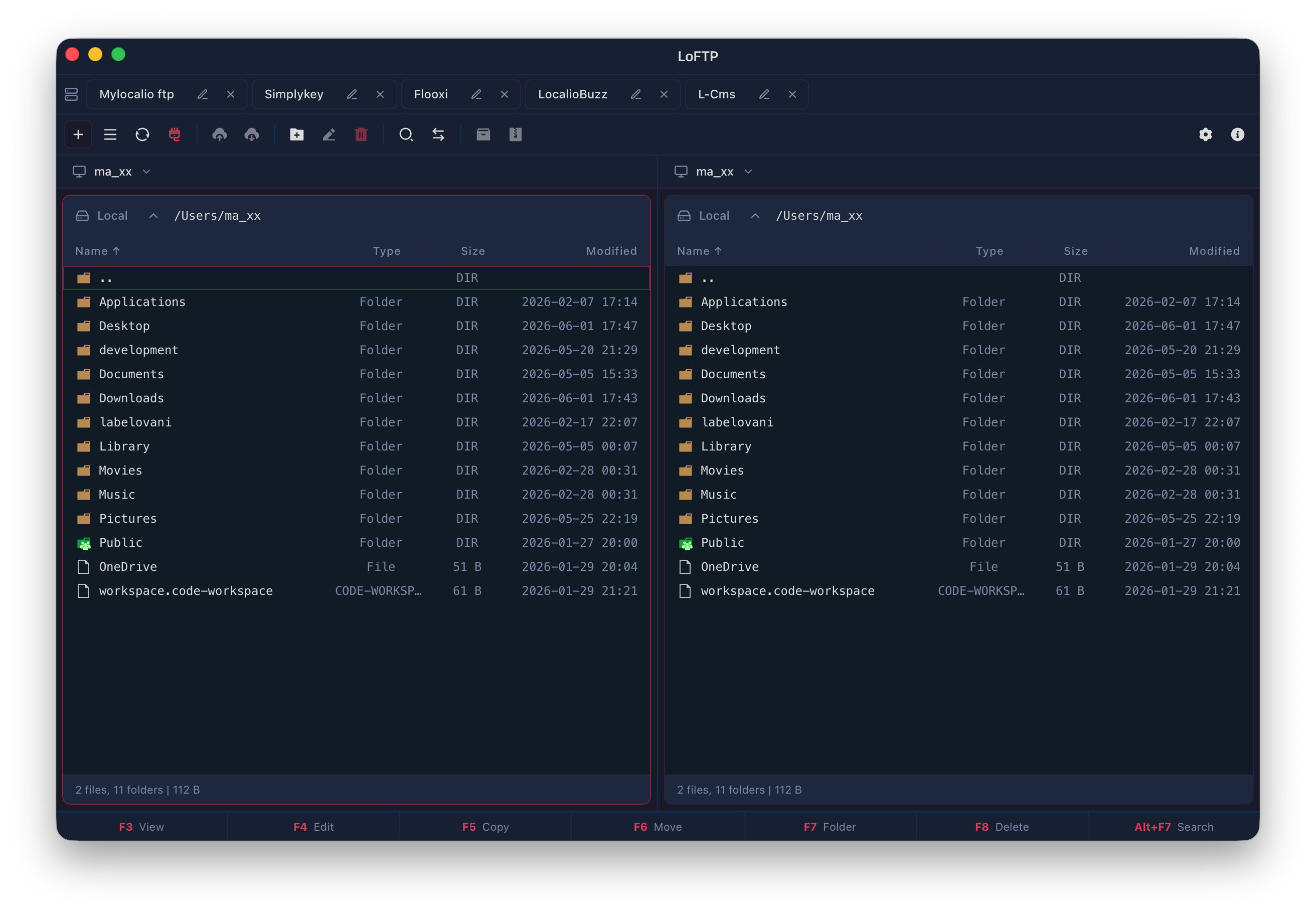




LoFTP dark mode

    Free FTP client for Mac

    Free, fully functional open-source app

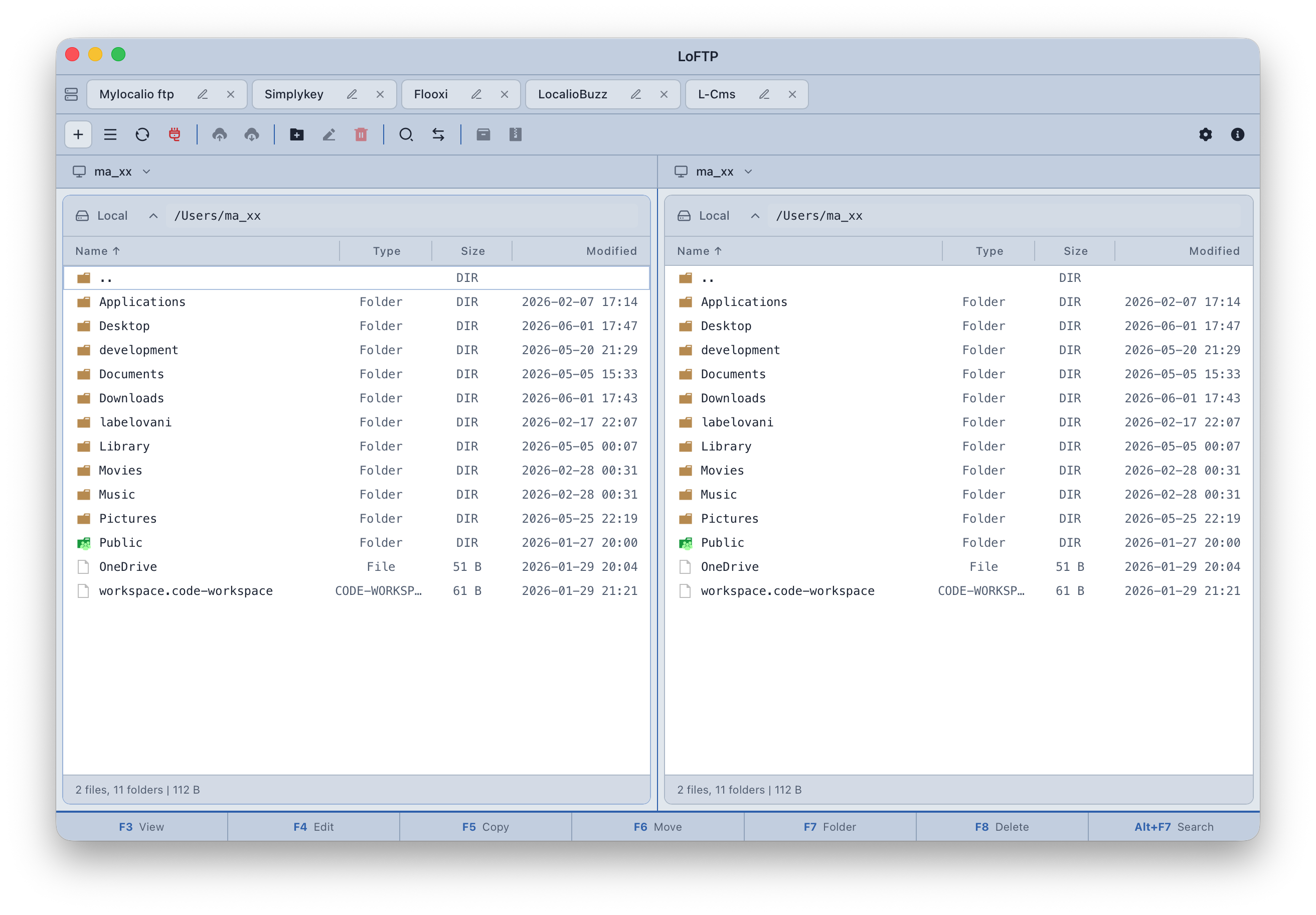
    LoFTP is a free file manager for Mac with Apple Silicon. Open a local folder in one pane and an FTP, FTPS or SFTP server in the other to transfer files between them.

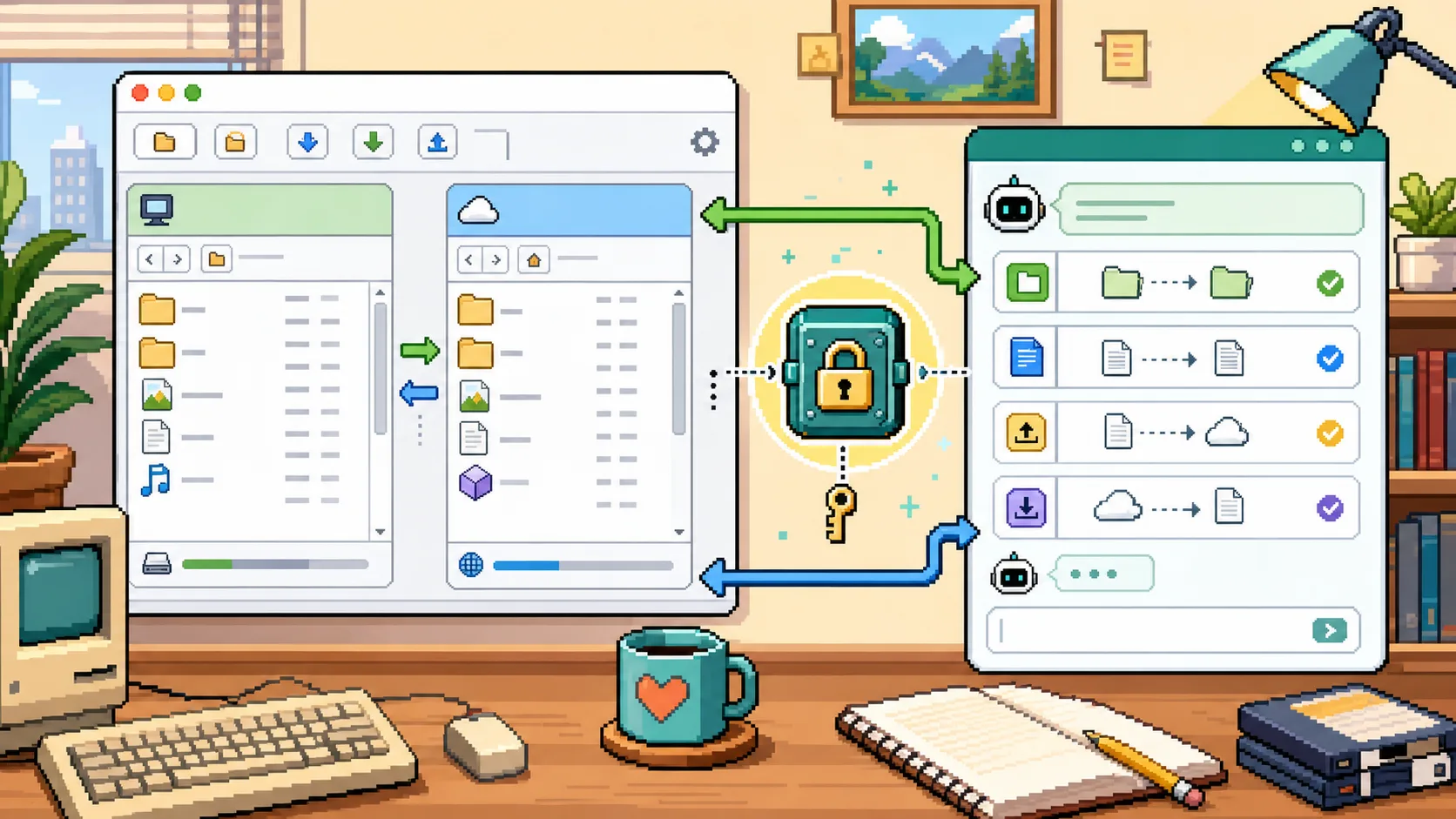
    LoFTP works with Codex, stores passwords in Apple Keychain and uploads files directly to your server.

    What's New in LoFTP

    Latest Updates

    See what changed in each release of LoFTP for macOS.

    VERSION 1.0.725 Nov 2026

    Clearer panels and verified moves

    The right-click menu shows actions for your selection. The toolbar, menus and F3–F8 keys now use the same action names and act on the same panel. Files, links and connections use the same icons in both themes. The welcome and About windows show the version you’re running.

    • Deletion shows the exact paths. Local items go to the Trash. On a server, you confirm permanent deletion. If a batch fails partway through, you can retry the remaining items.
    • Copies and moves keep their original source and destination when you switch panels or hosts. When moving between locations, LoFTP reads the transferred data back and removes a source only after verifying that it still matches. Empty folders transfer too.
    • The transfer summary distinguishes completed, skipped, cancelled and failed items. Cancelling stops the whole batch. An interrupted download preserves the existing destination file. Czech file and folder counts now use the correct plural forms.
    • You can extract a selection from a subfolder in ZIP, TAR, TAR.GZ and TGZ archives. The confirmation button now reads “Extract”. Name conflicts preserve existing files. If extraction fails, LoFTP removes newly extracted items or reports what remains. A new ZIP appears only after it has been fully written.
    • Content search selects the matching file in its local panel. F3 previews supported items. The editor checks for changes on disk before saving. Batch rename previews old and new names. Splitting and joining files preserves existing outputs.
    • FTPS verifies the server certificate. SFTP asks you to confirm a new host key and rejects a changed key. Verified moves and recursive FTP downloads and deletions require MLSD listings. SSH key selection, profile loading and the license activation button have also been fixed.
    • You can cancel plan preparation in Codex. Sync requires a complete listing. Once transfers succeed, you review the exact paths in a separate deletion prompt. LoFTP checks them again before deleting. With Bunny Storage, you can copy a file and confirm its removal from the server separately.
    VERSION 1.0.626 Aug 2026

    LoFTP 1.0.6: one-time manual update

    Moving from the older version 1.0.4 to 1.0.6 requires a one-time manual installation of the current DMG. Future updates will be available through the updater.

    VERSION 1.0.526 Aug 2026

    LoFTP 1.0.5: consistent file operations

    Version 1.0.5 brings important fixes to core file operations, including selection, deletion, copying, and moving in both panels.

    DELETE / DELETION9 Aug 2026

    LoFTP 1.0.4: improved Delete function

    Version 1.0.4 improves the Delete function for more reliable removal of files and folders.

    VERSION 1.0.430 Jul 2026

    LoFTP 1.0.4: loftp.space migration and update fixes

    This release adds light mode as the default, larger file panel typography, free-space display for the selected local drive, fixed Delete/F8 deletion including bulk deletion, and progress directly in the confirmation dialog. Keyboard navigation, item selection, FTP/SFTP path handling, and safe read-only behavior in archive view were improved as well.

    AI AND CODEX30 Jul 2026

    AI support, Codex workflow, and custom API keys

    LoFTP adds AI and Codex workflow support for file work without sharing FTP passwords in chat. Connections stay saved in the app, sensitive data remains in Apple Keychain, and AI can be used through your own API setup.

    DELETION13 Jul 2026

    Faster and more visible file deletion

    Deletion now works directly through the Delete key, supports bulk deletion of selected files and folders, and shows progress directly in the confirmation dialog, including the item currently being removed. FTP/SFTP deletion was also fixed with visible operation status.

    FILE PANELS13 Jul 2026

    Cleaner selection, free space, and clearer panels

    Changing folders now clears old or invalid selections, the local panel shows free space on the selected disk, and file panel typography is slightly larger and easier to read.

    ARCHIVES13 Jul 2026

    Archives as virtual folders

    Archives can now be opened as virtual folders, including subfolder navigation, selecting files and folders inside archives, and previewing files without manual extraction.

    SAFETY13 Jul 2026

    Copying from archives and safer extraction

    Items can be copied out of archives via F5, drag/drop, Copy to..., and internal copy/paste. Extraction is protected against unsafe paths, and direct deletion, renaming, or writing inside archives is blocked until safe ZIP write support is ready. Toolbar actions and keyboard shortcuts no longer trigger invalid write operations in archive view.

    LoFTP Blog

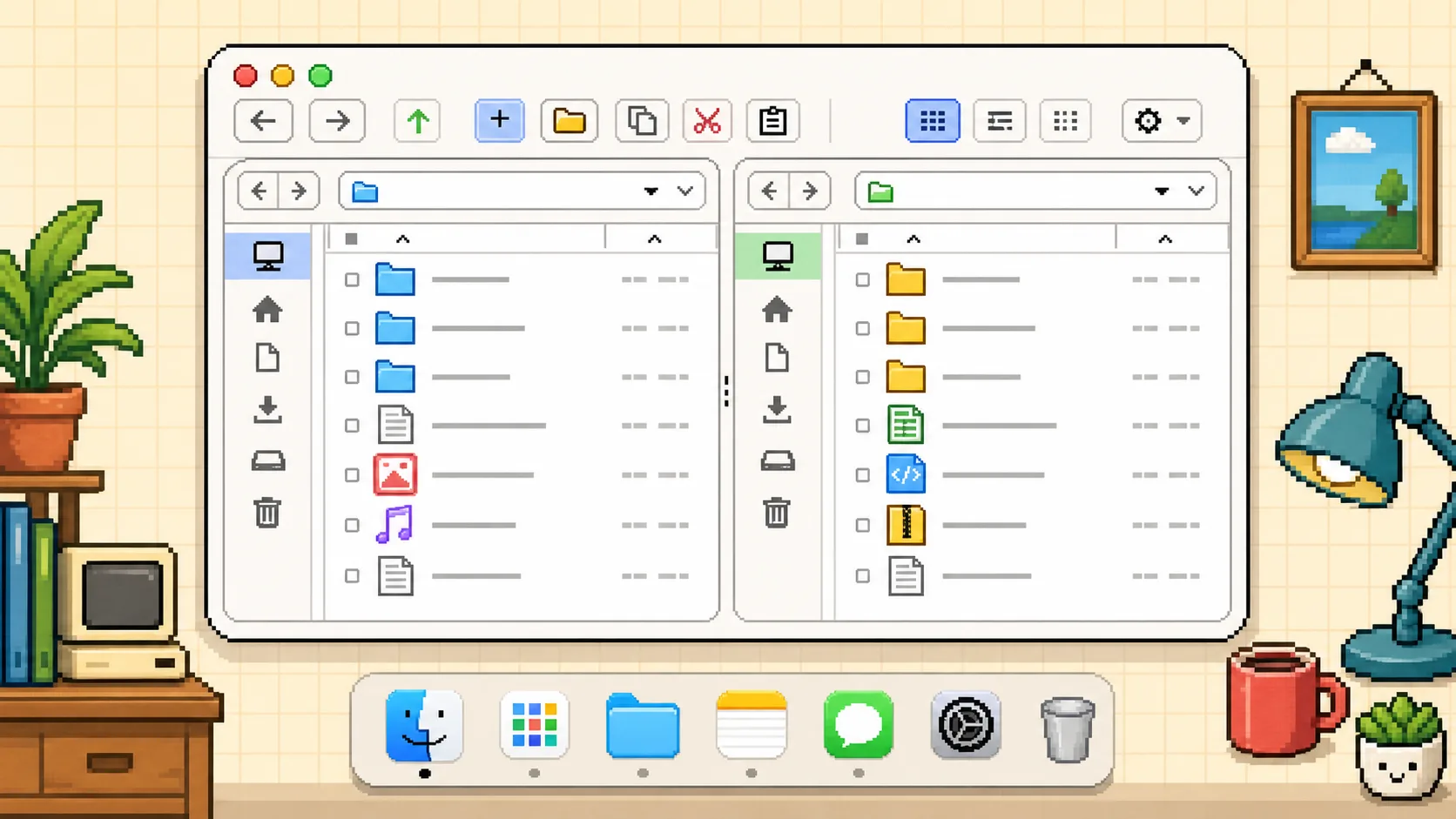
    Dual-pane file manager for Mac

    Illustration of the LoFTP dual-pane file manager for macOS
    TOTAL COMMANDER ALTERNATIVE

    A Total Commander alternative for macOS

    LoFTP brings dual-pane file management to Mac without copying old interfaces. Left and right panels, fast copy actions, transfers, previews, and clear file operations are designed for macOS and Apple Silicon.
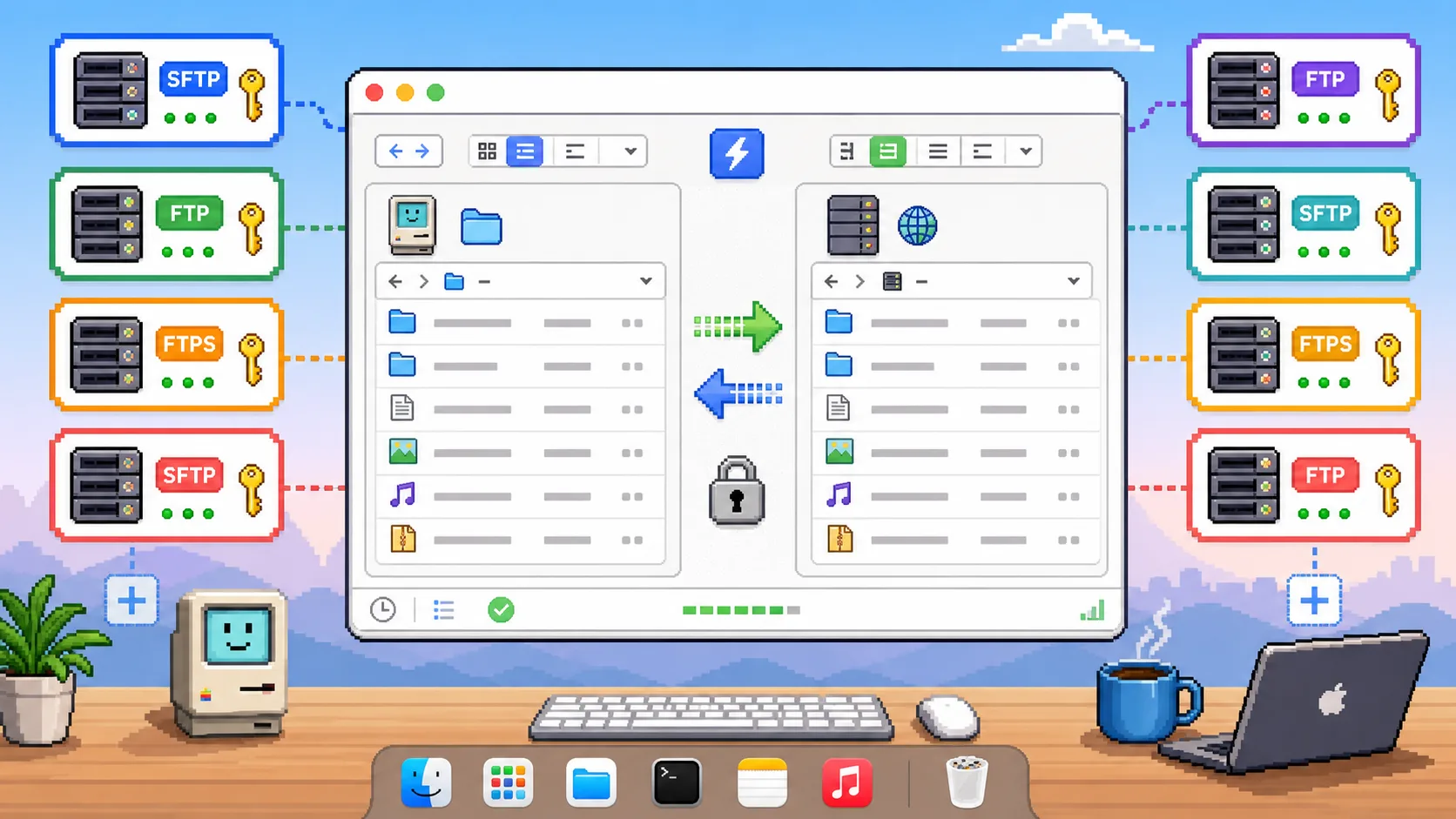
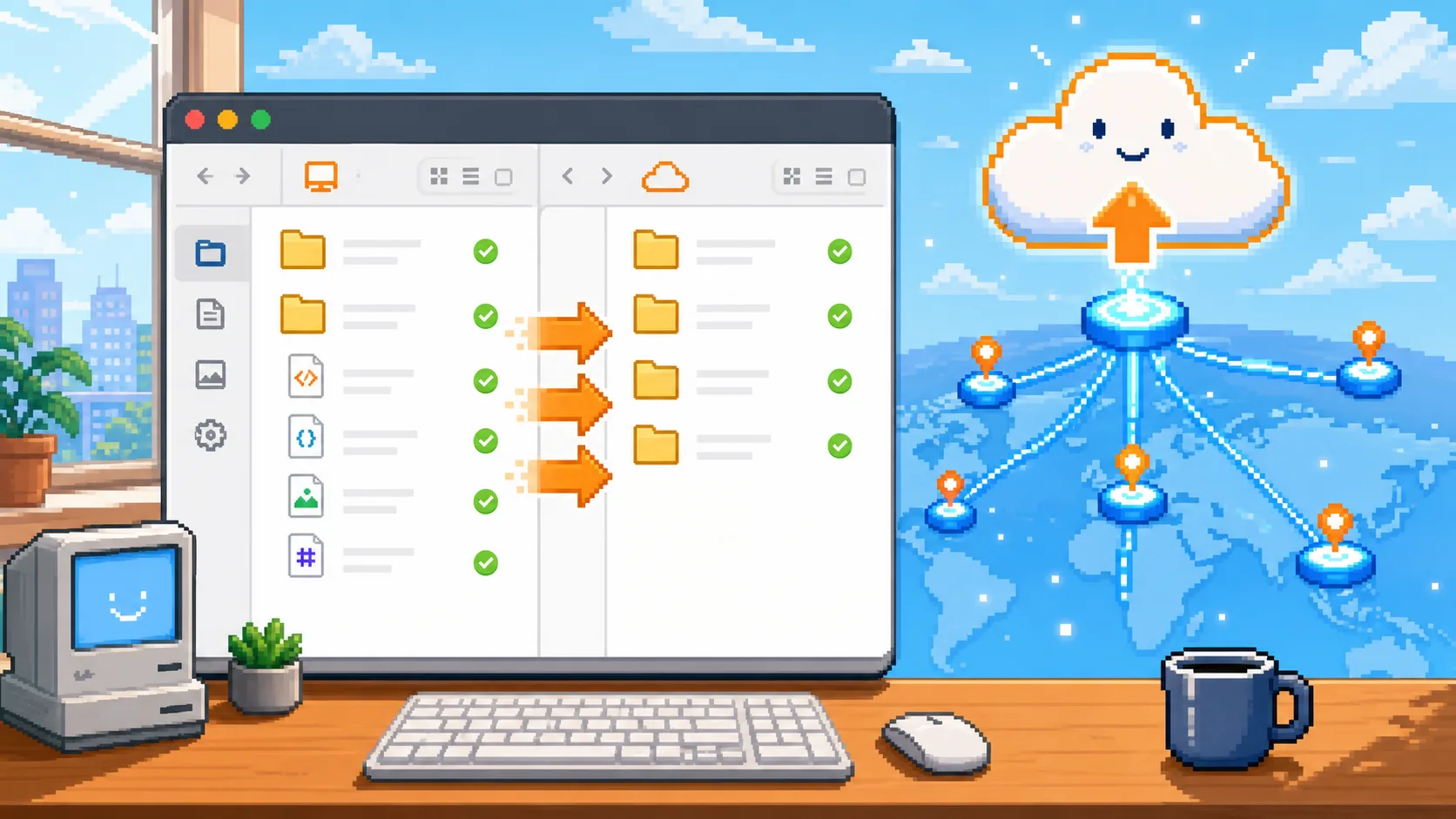
    Illustration of multiple FTP and SFTP connections in LoFTP
    FTP SFTP FTPS

    Unlimited FTP/SFTP connections

    Save production servers, client websites, and staging environments, then switch between them directly in the app. LoFTP is built for everyday work with multiple FTP, SFTP, and FTPS connections.

    Illustration of uploading files from LoFTP to Bunny.net storage
    BUNNY.NET WORKFLOW

    Fast build uploads to Bunny.net

    LoFTP helps with manual deployment of websites, release builds, and static files to Bunny.net storage. The dual-pane interface makes it easier to compare local files with remote storage.

    Illustration of secure LoFTP collaboration with Codex and ChatGPT workflows
    CODEX CHATGPT AI

    Codex and ChatGPT without sharing FTP passwords

    LoFTP supports workflows where AI can help prepare file operations, while saved connections and credentials remain inside the app and Apple Keychain. The goal is less copying of sensitive access data into chat.

    Blazing-Fast Transfers

    Blazing-Fast Transfers

    Transfer queue with real-time status. Upload and download files quickly and reliably.

    FTP & SFTP

    FTP & SFTP

    Use SFTP or FTPS for encrypted transfers. Open your saved servers directly from the main menu.

    Native for macOS

    Native for macOS

    Dual-pane classic file manager interface. File preview, built-in editor, and search.

    Apple Silicon M1–M4

    Apple Silicon M1–M4

    Optimized for M1, M2, M3, and M4 chips. Supports macOS 11 Big Sur and later.

    LoFTP — Overview
    LoFTP screenshot

    Intuitive Interface

    Dual-pane file manager with instant access to saved FTP/SFTP connections right from the main menu. Switch between servers in seconds.

    • ▸ Saved connections in the main menu
    • ▸ Transfer queue with real-time status
    • ▸ Compare local and remote directories
    • ▸ Quick file preview and built-in editor
    • ▸ Search and archive management
    • ▸ Instantly open directory in Visual Studio Code
    • ▸ Localization: Czech, English, German, Slovak, Polish, Spanish — more languages coming soon

    Download LoFTP

    Native FTP/SFTP client for macOS with Apple Silicon. Supports M1, M2, M3, and M4.

    Download

    LoFTP v1.0.7

    macOS 11+ • Apple Silicon M1–M4

    ✦ Open-source project — all features available without limitations

    The app is a publicly shared open-source project. Payment is a voluntary contribution to ongoing development and includes an activation code for project support.

    ⬇ TRY .DMG